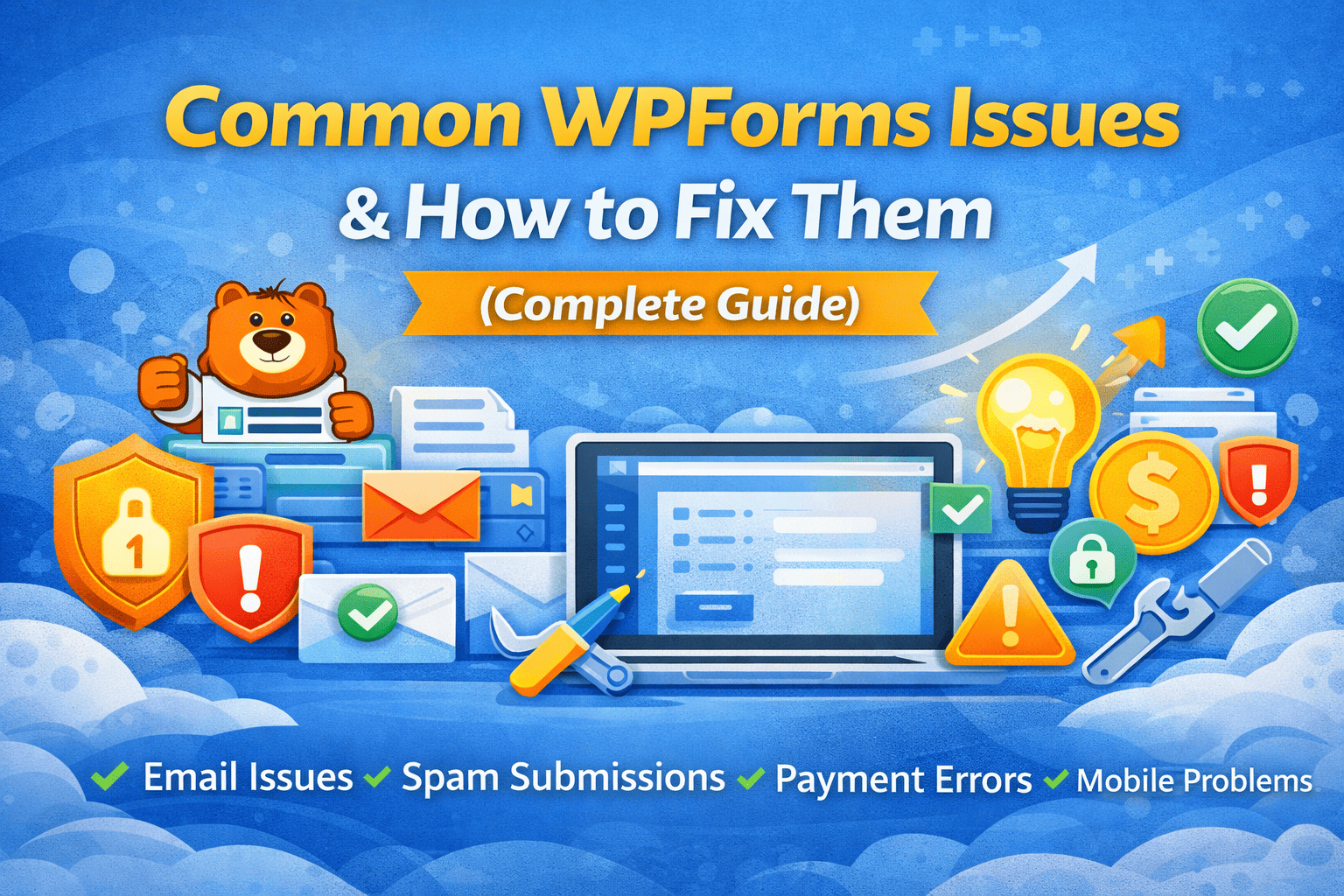
Most WPForms problems are caused by email configuration, plugin conflicts, or incorrect settings — and they are easy to fix.
WPForms is one of the most popular WordPress form plugins. It’s beginner-friendly and powerful. However, many website owners face common issues like emails not sending, spam submissions, or payment errors.
In this guide, we’ll cover the most common WPForms problems and their complete solutions.
WPForms Not Sending Emails
❌ Problem:
You submit the form, but no email arrives.
🎯 Why It Happens:
By default, WordPress uses PHP mail, which many hosting providers block or mark as spam.
Solution:
Install WP Mail SMTP plugin
Connect it with Gmail, Zoho, or your hosting SMTP
Configure:
SMTP Host
Port
Username & Password
Set up SPF & DKIM records in your domain
After setup, send a test email from SMTP settings.
This solves 80% of WPForms problems.
Form Submission Not Working (Loading Forever)
❌ Problem:
Submit button keeps loading or does nothing.
Why It Happens:
JavaScript conflict
Caching plugin issue
CDN (Cloudflare) conflict
Solution:
Clear website cache
Disable JS minification temporarily
Disable other plugins one by one
Switch to default theme (like Twenty Twenty-Four) to test
If it works after disabling something, that’s the conflict source.
Too Many Spam Entries
Problem:
Receiving fake or bot submissions daily.
Why It Happens:
Spam protection not enabled.
Solution:
Enable WPForms built-in anti-spam
Add Google reCAPTCHA (v2 or v3)
Enable Honeypot protection
Use Cloudflare Turnstile (optional)
This will significantly reduce spam.
Form Entries Not Saving in Dashboard
Problem:
You receive email but no entries inside WordPress.
Why It Happens:
You are using WPForms Lite (free version), which doesn’t store entries.
Solution:
Upgrade to WPForms Pro
ORConnect the form to Google Sheets using Zapier
If you need entry storage, Pro version is recommended.
Payment Not Processing (Stripe / PayPal)
❌ Problem:
Payment shows error or fails.
Why It Happens:
Wrong API keys
Test mode enabled
No SSL certificate
Solution:
Check Stripe or PayPal API keys
Ensure Live Mode is enabled
Install SSL (HTTPS)
Clear cache and test again
Payments won’t work without HTTPS.
Form Layout Broken on Mobile
Problem:
Fields overlap or design looks messy.
Why It Happens:
Theme CSS conflict or custom styling issues.
Solution:
Check responsive settings
Remove custom CSS temporarily
Test with default theme
Update theme & plugin
Form Loading Slowly
Problem:
Form takes 3–5 seconds to load.
Why It Happens:
Heavy theme
Too many plugins
No caching optimization
Solution:
Use LiteSpeed Cache or WP Rocket
Optimize images
Reduce unnecessary plugins
Use a good hosting provider
Final Checklist for WPForms Setup
Before delivering a website to a client, always:
✔ Install WP Mail SMTP
✔ Add reCAPTCHA
✔ Test form in Incognito mode
✔ Test on mobile
✔ Check spam folder
✔ Verify payment gateway
Conclusion
Most WPForms issues are small configuration mistakes, not major problems. With proper SMTP setup, spam protection, and testing, your forms will work smoothly.
If you’re still facing issues, comment below or contact your developer for troubleshooting.