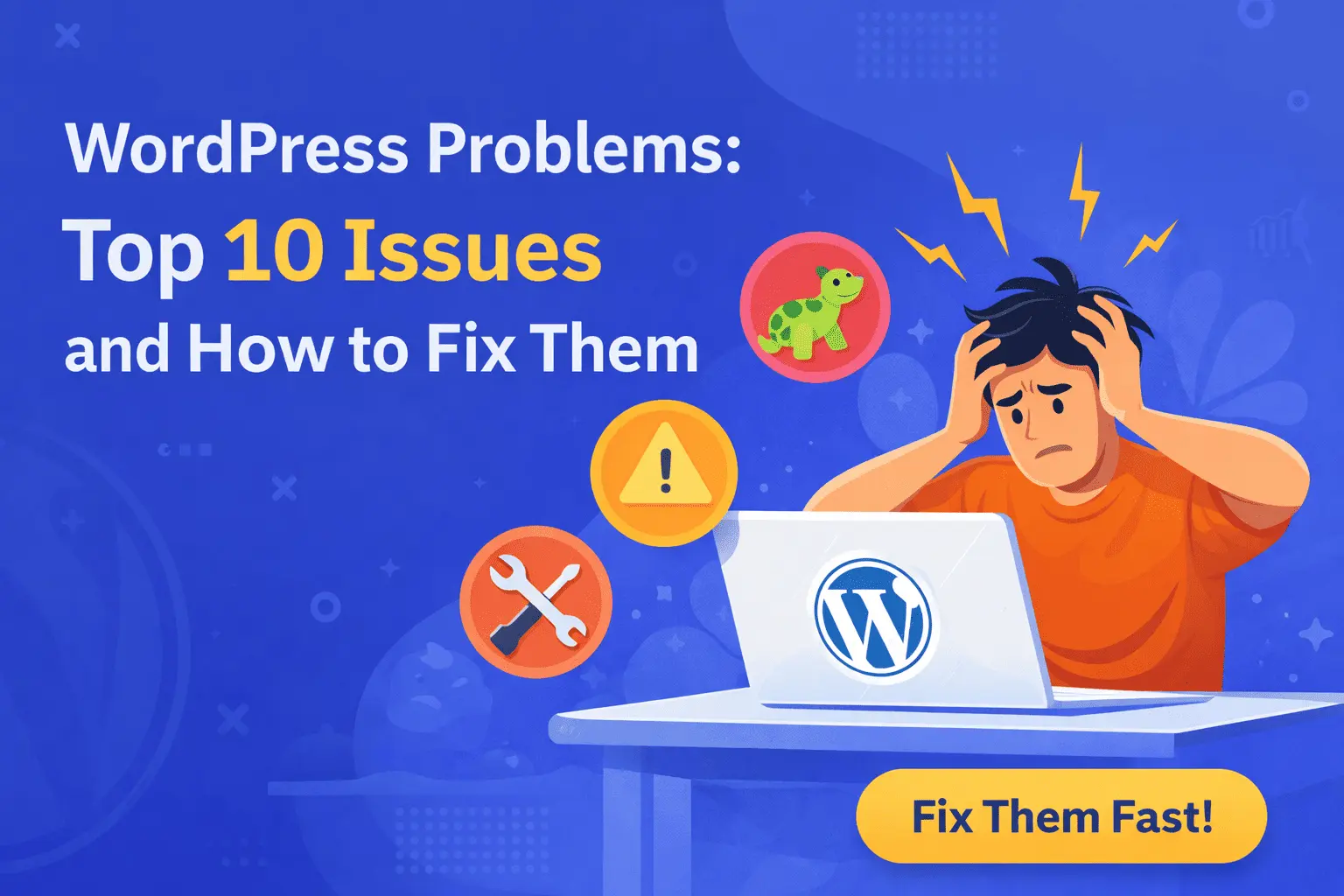
WordPress powers more than 40% of websites on the internet. From personal blogs to large business websites, it is the most widely used content management system (CMS) in the world.
But here’s the truth:
WordPress is powerful — yet without proper optimization, it can become slow, vulnerable, and ineffective for business growth.
Many website owners struggle with low rankings, poor speed, security threats, and low conversions — not because WordPress is bad, but because it is not configured correctly.
In this detailed guide, we will break down the biggest WordPress problems and provide practical, proven solutions to fix them.
1. Slow Website Speed
Why Speed Matters
Website speed directly affects:
Google rankings
User experience
Bounce rate
Conversion rate
Sales and leads
Research shows that if a website takes more than 3 seconds to load, users start leaving.
Why WordPress Websites Become Slow
Heavy multipurpose themes
Too many plugins
Large image sizes
No caching
Cheap shared hosting
Unoptimized database
How to Fix It
Step 1: Use a Lightweight Theme
Choose performance-focused themes instead of feature-heavy designs.
Step 2: Install a Caching Plugin
Caching reduces server load and improves loading time.
Step 3: Optimize Images
Compress images before uploading. Use next-gen formats like WebP.
Step 4: Minimize Plugins
Remove plugins that are not essential.
Step 5: Upgrade Hosting
Good hosting alone can improve speed by 40–60%.
A fast website improves SEO and builds trust instantly.
2. Plugin Conflicts and Website Crashes
One of the biggest WordPress advantages is plugins. But this is also one of its biggest problems.
Common Issues
“There has been a critical error on this website”
Website layout broken
Features stop working
Admin panel not loading
Why It Happens
Installing too many plugins
Using outdated plugins
Using nulled or pirated plugins
Theme-plugin incompatibility
How to Fix It
Install only trusted plugins
Keep everything updated
Avoid duplicate-function plugins
Test plugins before installing on a live site
Use a staging environment
Less plugins = Better stability.
3. Security Vulnerabilities & Hacking
WordPress is secure by default. However, poor management makes it vulnerable.
Common Security Problems
Malware injection
Spam links
Redirect hacks
Google blacklisting
Login brute-force attacks
Why WordPress Sites Get Hacked
Weak passwords
No firewall
Outdated themes/plugins
No security plugin
Cheap hosting with poor security
How to Secure Your WordPress Website
Use strong passwords
Enable two-factor authentication
Install a firewall/security plugin
Change default login URL
Disable file editing in dashboard
Keep WordPress updated
Take regular backups
Security is not optional — it protects your brand reputation.
4. Poor SEO Structure
Many WordPress websites fail to rank because of poor SEO setup.
Common SEO Mistakes
Missing meta titles & descriptions
Duplicate content
No internal linking
Improper heading structure
No XML sitemap
Slow loading speed
How to Fix WordPress SEO Issues
1. Proper On-Page SEO Setup
Optimize each page with:
Target keyword
SEO title
Meta description
H1, H2, H3 hierarchy
2. Improve Internal Linking
Link related blog posts together.
3. Improve Technical SEO
Submit sitemap to Google
Fix broken links
Optimize site speed
Use clean URLs
4. Focus on Content Quality
High-value, informative content ranks better.
SEO is not just plugins — it is structure + strategy + content.
5. Mobile Responsiveness Issues
Over 70% of users browse on mobile devices.
If your WordPress site looks broken on mobile:
You lose visitors
You lose rankings
You lose sales
Common Mobile Problems
Text too small
Buttons too close
Images not scaling
Horizontal scrolling
Layout breaking
How to Fix It
Use responsive themes
Test on multiple devices
Avoid fixed-width sections
Optimize mobile font size
Reduce pop-ups on mobile
Mobile optimization is now mandatory for SEO success.
6. Core Web Vitals Failure
Google measures website performance using Core Web Vitals.
Key Metrics
Largest Contentful Paint (LCP)
First Input Delay (FID)
Cumulative Layout Shift (CLS)
If your website fails these metrics, rankings can drop.
Why WordPress Sites Fail Core Web Vitals
Large hero images
Too many scripts
Unoptimized fonts
Poor hosting
Unused CSS
How to Improve Core Web Vitals
Use a CDN
Preload important fonts
Optimize images
Remove unused CSS/JS
Delay non-critical scripts
Technical optimization improves long-term SEO performance.
7. White Screen of Death
The “White Screen of Death” is one of the most frustrating WordPress errors.
Causes
PHP memory limit exceeded
Plugin conflict
Theme issue
Corrupted core files
How to Fix It
Increase memory limit
Disable plugins via FTP
Switch to default theme
Enable debug mode
Re-upload core WordPress files
Regular maintenance reduces such issues.
8. No Backup Strategy
Many website owners realize the importance of backups only after losing their website.
Risks of No Backup
Server crash
Hack attack
Accidental deletion
Failed update
Backup Best Practices
Daily or weekly automated backups
Store backups off-site
Test restore process
Keep multiple backup versions
Backups are your safety net.
9. Spam Comments and Bot Attacks
Spam comments reduce website credibility and affect SEO.
Why It Happens
Open comment sections
No spam filter
Weak security settings
Solutions
Enable comment moderation
Use anti-spam tools
Disable comments on non-blog pages
Add CAPTCHA on forms
Clean websites build trust.
10. Poor Hosting Selection
Hosting is the foundation of your website.
Problems with Cheap Hosting
Frequent downtime
Slow server response
Limited resources
Poor customer support
How to Choose the Right Hosting
Look for high uptime guarantee
Choose SSD storage
Check server location
Ensure good support
Choose scalable plans
Good hosting improves speed, security, and stability.
Final Thoughts: Turn WordPress into a Business Growth Machine
WordPress is not the problem.
Improper setup is the problem.
If your website is:
Slow
Not ranking
Getting hacked
Not generating leads
Losing visitors quickly
Then you need optimization — not a new platform.
With proper configuration, WordPress can become:
Fast
Secure
SEO-optimized
Conversion-focused
Scalable
Technical optimization + strong content + smart SEO strategy = long-term growth.
Frequently Asked Questions
Is WordPress still good for SEO?
Yes. With proper optimization, WordPress is one of the best platforms for SEO.
How often should I update WordPress?
Check updates weekly and apply them after backup.
How many plugins are too many?
There is no fixed number, but quality matters more than quantity. Keep only essential plugins.
Can cheap hosting affect SEO?
Yes. Slow server response can lower rankings.
Conclusion
WordPress gives you full control over your website. But without proper management, it can create performance, security, and SEO issues.
Fixing these common problems will:
Improve speed
Increase rankings
Enhance security
Boost conversions
Strengthen brand credibility
If you treat WordPress like a professional business tool — not just a blogging platform — it can become your most powerful digital asset.